

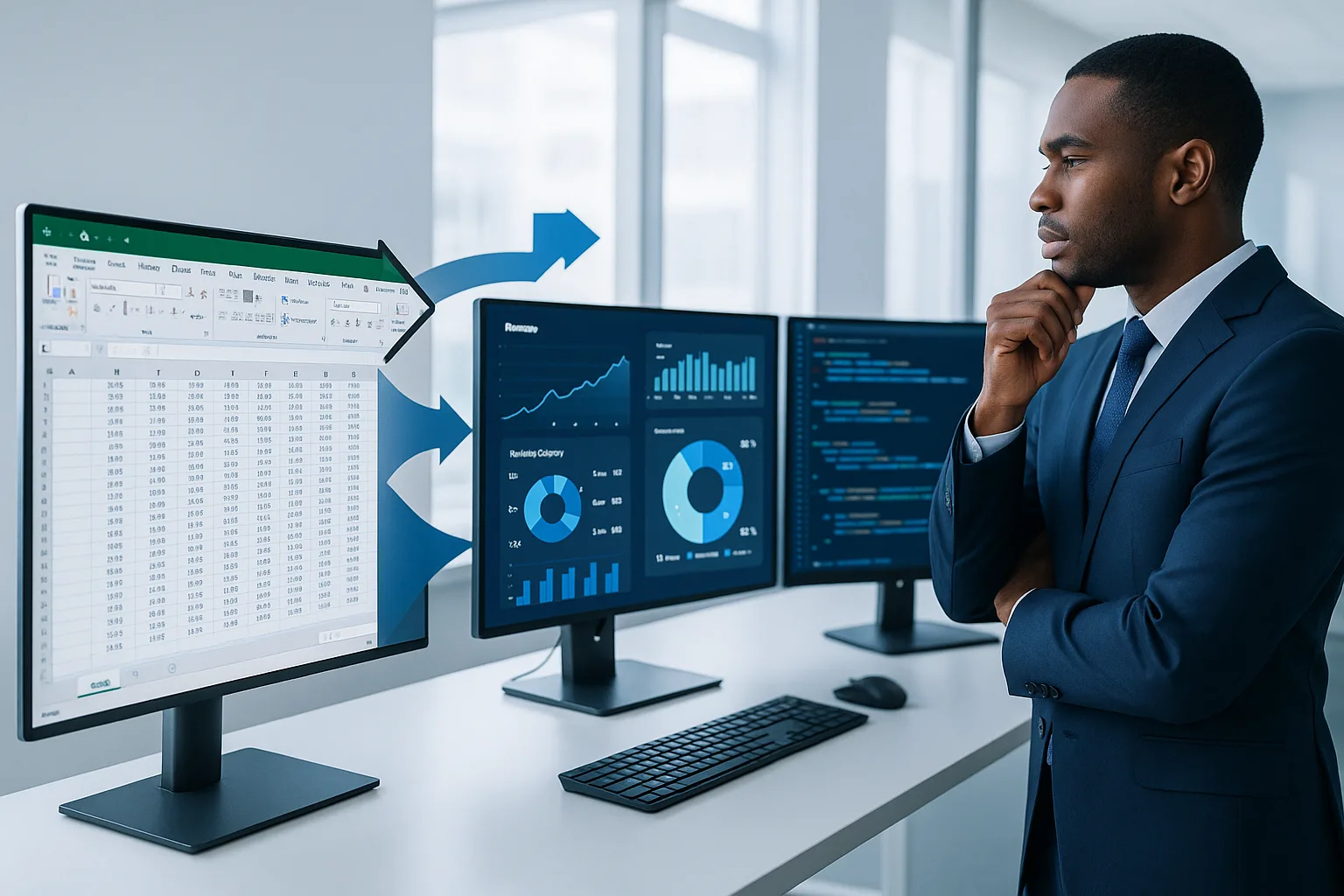
If you’re a BBA student reading this, I want to save you from my embarrassment. Trust me, I learned this the hard way: Excel is just the beginning. The finance industry has evolved, and employers now expect graduates to walk in with knowledge of several Financial Modeling Beyond Excel Tools that can handle more complex analyses, bigger datasets, and deliver more powerful insights.
When I landed my first job at Deloitte fresh out of college back in 2011, I thought I was hot stuff with my Excel shortcuts and basic financial models. Boy, was I in for a rude awakening. My supervisor took one look at my “sophisticated” spreadsheet and asked why I wasn’t using any specialized financial modeling tools. I stammered something about Excel being the industry standard, and he just gave me that look. You know the one. The “oh honey, you have so much to learn” look.
And learn I did. Over my 12 years working in financial analysis—from Deloitte to JP Morgan and now as an independent consultant for tech startups—I’ve witnessed firsthand how Financial Modeling Beyond Excel Tools have transformed from nice-to-have skills to absolute necessities in the finance world.
Why Excel Alone Won't Cut It Anymore (A Hard Truth I Wish Someone Had Told Me)
Last summer, I was interviewing candidates for a financial analyst position at a startup I consult for. Out of twenty-something applicants—all with impressive GPAs and internships—only three mentioned experience with tools beyond Excel. Guess who got called back for second interviews?
Excel is still important—don’t get me wrong. It’s like learning to drive a car with a manual transmission. Once you master it, you understand the fundamentals better. But relying solely on Excel in today’s finance world is like insisting on using that manual transmission car for Formula 1 racing. You’re going to get lapped. Repeatedly.
The limitations become painfully obvious when you’re dealing with:
- Large datasets that make Excel crash (been there, lost work, cried a little)
- Complex models that become unwieldy and error-prone
- Collaborative projects requiring multiple people to work simultaneously
- The need for advanced statistical analysis or machine learning capabilities
- Real-time data integration from multiple sources
If you want to future-proof your finance career, you need to expand your toolkit with Financial Modeling Beyond Excel Tools. Period.
The Financial Modeling Tools Landscape: What Your Professors Probably Aren't Teaching You
When my younger brother started his BBA program in 2020, I asked about his financial modeling coursework. “Oh, we’re doing advanced Excel,” he said proudly. I nearly spit out my coffee. Advanced Excel is great, but it’s table stakes now, not a competitive advantage.
From my experience working with recent graduates, there’s a significant gap between what universities teach and what employers expect when it comes to Financial Modeling Beyond Excel Tools. So let me walk you through the modern tools that will actually set you apart from the crowd.
1. Python: The Swiss Army Knife for Finance That Changed My Career
I resisted learning Python for years. God, I was stubborn. “I’m a finance person, not a programmer,” I’d say defensively when colleagues suggested it. Then in 2016, a colleague at JP Morgan showed me how he automated a report that used to take me three days to prepare. His Python script did it in 20 minutes. I started learning that weekend.
Python has become essential for advanced financial modeling software for students because:
- It handles massive datasets without breaking a sweat
- The pandas library makes financial data manipulation intuitive
- Libraries like NumPy and SciPy provide powerful statistical tools
- Matplotlib and Seaborn create stunning visualizations
- It’s free and open-source (your future employer will love this)
One of my clients—a fintech startup founder—told me last month that they won’t even consider applicants who don’t list Python on their resume. That’s how fundamental it’s become.
How to get started: Begin with Datacamp’s Introduction to Python for Finance course. It’s specifically designed for finance students and professionals who don’t have a programming background.
2. R: Your Secret Weapon for Statistical Analysis
If Python is the Swiss Army knife, R is the surgical scalpel of financial modeling. I first encountered R when working on a risk assessment project in my JP Morgan days. A quant on our team used it to run Monte Carlo simulations that would have been impossible in Excel.
R excels as an alternative to Excel for financial analysis when you need:
- Advanced statistical modeling and hypothesis testing
- Elegant and customizable data visualizations
- Specialized financial packages like quantmod for time series analysis
- Reproducible research capabilities
In my twenties, I fumbled through learning R while on deadline for a major client presentation. Not recommended. Start now, while you have time to learn properly.
How to get started: Check out R for Finance: A Free Online Course on Coursera by the University of Geneva. It’s comprehensive and specifically tailored to finance applications.
3. Tableau: Making Your Data Tell Stories That Get You Hired
A former colleague of mine—let’s call him Mike—was average at financial analysis but exceptional with Tableau. Guess who got promoted faster? Visualization skills are career accelerators because most finance professionals can crunch numbers, but few can present them in ways that drive decision-making.
Tableau stands out among business analytics tools for finance majors because:
- It transforms complex data into intuitive visuals
- It allows for interactive dashboards that executives love
- It connects directly to various data sources, including financial databases
- It requires no coding knowledge (though you can extend it with Python)
I still remember pitching to a client who was zoning out during my Excel-based presentation. When I switched to the interactive Tableau dashboard, suddenly everyone was engaged, asking questions, and exploring scenarios. The difference was night and day.
How to get started: Tableau offers a free student license and has excellent tutorials through Tableau Public.
Financial Modeling Beyond Excel Tools, Financial Modeling Beyond Excel Tools Financial Modeling Beyond Excel Tools,
4. Power BI: Microsoft's Answer to Modern Financial Analysis Needs
When Microsoft realized Excel wasn’t enough for modern business needs, they developed Power BI. One of my startup clients switched from spreadsheet-based reporting to Power BI last year, and their board meetings went from dreadful data dumps to strategic discussions. That’s the power of proper financial modeling tools.
Power BI stands out among Financial Modeling Beyond Excel Tools because:
- It integrates seamlessly with other Microsoft products
- Its DAX language allows for sophisticated financial calculations
- It enables real-time dashboards connected to your data sources
- The learning curve is less steep for Excel users
I was skeptical about Power BI at first—another Microsoft product trying to be everything to everyone? But after using it for a financial forecasting project for a retail client, I became a convert. The ability to drill down into transaction-level data while maintaining a high-level financial overview was game-changing.
How to get started: Microsoft offers free Power BI licenses for students and comprehensive learning paths through Microsoft Learn.
5. SQL: The Language That Speaks to Financial Databases
Back in 2013, I lost out on a prime job opportunity because I couldn’t confidently answer questions about SQL during the interview. I was qualified in every other way, but that single gap in my knowledge cost me. Learn from my mistake.
SQL is essential for anyone working with Financial Modeling Beyond Excel Tools because:
- Nearly all financial data is stored in SQL databases
- It allows for precise data extraction without relying on others
- It’s more efficient than Excel for querying large datasets
- It’s been around for decades and isn’t going anywhere
A mentor once told me, “In finance, the person who controls the data controls the narrative.” SQL gives you that control. Instead of waiting for the IT department to run reports for you, you can answer your own questions immediately.
How to get started: I recommend SQL for Financial Analysis on Udemy, which focuses specifically on financial applications rather than general SQL knowledge.
6. Alteryx: When You Need Industrial-Strength Data Preparation
I first encountered Alteryx when consulting for a hedge fund that was drowning in data preparation tasks. Their analysts were spending 70% of their time just cleaning and organizing data rather than analyzing it. Alteryx changed that completely.
Alteryx stands out as an alternative to Excel for financial analysis because:
- It automates data cleaning and preparation workflows
- It connects to virtually any data source
- It requires no coding knowledge but offers powerful functionality
- It seamlessly integrates with visualization tools like Tableau
Yes, it’s expensive. But more and more financial institutions are adopting it because the ROI is undeniable. One of my clients calculated that Alteryx paid for itself within three months just in terms of analyst hours saved.
How to get started: Alteryx offers a free trial and academic licenses for students. Their Community Edition also has excellent learning resources.
What About Bloomberg Terminal and Other Industry-Specific Tools?
A student in one of my workshops recently asked, “Should I learn Bloomberg Terminal too?” My answer: absolutely, if you can get access, but don’t stress if you can’t. Here’s why:
Bloomberg Terminals cost around $24,000 per year, so most universities only have a limited number. If your school offers access, take full advantage of it. But employers understand that Bloomberg-specific skills are typically learned on the job.
Instead, focus on the Financial Modeling Beyond Excel Tools I’ve outlined above, which are either free or offer student licenses, and will make you immediately valuable in any financial role.

Financial Modeling Beyond Excel Tools, Financial Modeling Beyond Excel Tools Financial Modeling Beyond Excel Tools,
Comparing The Tools: Which Financial Modeling Tools Should You Prioritize?
When I was starting out, I tried to learn everything at once and ended up mastering nothing. Don’t make my mistake. Here’s how I recommend BBA students prioritize these Financial Modeling Beyond Excel Tools:
| Tool | Learning Difficulty | Job Market Demand | Cost | Best For |
|---|---|---|---|---|
| Python | Medium-High | Very High | Free | Data analysis, automation, complex modeling |
| R | Medium-High | High | Free | Statistical analysis, risk modeling |
| Tableau | Low-Medium | Very High | Free for students | Data visualization, dashboarding |
| Power BI | Low-Medium | High | Free for students | Microsoft-centric organizations, business intelligence |
| SQL | Low | Very High | Free | Data extraction, database interaction |
| Alteryx | Low | Medium-High | Expensive (but free trials available) | Data preparation, workflow automation |
Start with SQL and either Tableau or Power BI—these have the lowest learning curves and highest immediate payoffs. Then move on to Python, which offers the best long-term career benefits despite the steeper learning curve.
How I Integrate These Tools in Real-World Financial Analysis
Theory is one thing, but you’re probably wondering how these tools work together in practice. Let me share a recent project where I used multiple Financial Modeling Beyond Excel Tools to solve a complex problem.
Last year, a healthcare startup I consult for needed to forecast the financial impact of changing their pricing model. Here’s my workflow:
- Used SQL to extract three years of transaction data from their database
- Used Python to clean the data and run statistical analyses on customer behavior
- Created financial models with different pricing scenarios in Python
- Built a Monte Carlo simulation in R to assess risk and uncertainty
- Developed an interactive Tableau dashboard for the executive team to explore outcomes
Ten years ago, this would have been a multi-person project taking weeks. I completed it in three days. That’s the power of mastering advanced financial modeling software for students before you even enter the workforce.
How to Learn These Skills While Still in School (Without Losing Your Mind)
When my niece started her BBA program last fall, she called me in a panic about all the extra skills she needed to learn beyond her coursework. I gave her this advice:
- Start with your career goal in mind: If you’re aiming for investment banking, prioritize different tools than if you’re targeting corporate finance.
- One tool at a time: Spend 6-8 weeks focused on a single tool before moving to the next.
- Apply what you learn immediately: Theory without practice is quickly forgotten. Find datasets relevant to your interests and work with them.
- Join communities: Reddit’s r/FinancialCareers and LinkedIn groups for financial modeling are goldmines of information and support.
- Leverage your university resources: Many schools offer workshops or non-credit courses on these tools. Take advantage!
The students I’ve mentored who followed this approach have had a much easier time securing internships and full-time offers with prestigious firms. One former student—who committed to learning Python alongside her regular studies—received three job offers before graduation, all with salaries above the class average.
My Personal Roadmap for BBA Students: A 3-Year Plan
If you’re a sophomore or junior, here’s the roadmap I wish I’d had:
Year 1:
- Master Excel (yes, it’s still important)
- Learn SQL fundamentals
- Get comfortable with either Tableau or Power BI
Year 2:
- Learn Python basics and pandas for financial analysis
- Deepen your SQL knowledge
- Build a portfolio project combining these skills
Year 3:
- Add R for statistical modeling (if relevant to your career path)
- Explore more specialized tools based on your target industry
- Refine your portfolio with increasingly complex projects
This systematic approach to learning Financial Modeling Beyond Excel Tools ensures you don’t graduate with only theoretical knowledge, but with practical skills employers are desperate to find.
The Future of Financial Modeling: What's Coming Next
If you think the landscape is changing quickly now, just wait. Based on what I’m seeing in the industry, here are the next frontiers of Financial Modeling Beyond Excel Tools that you should keep on your radar:
- Machine learning for financial forecasting: Already being adopted by forward-thinking firms
- Natural language processing for sentiment analysis: Particularly important in investment research
- Process automation tools: RPA (Robotic Process Automation) is eliminating many traditional financial tasks
- Cloud-based collaborative modeling platforms: The future of team-based financial work
I recently spoke with a CFO who told me his company is already using AI to generate first drafts of financial reports. The analysts who can work alongside these technologies—rather than compete with them—will thrive in the coming decade.
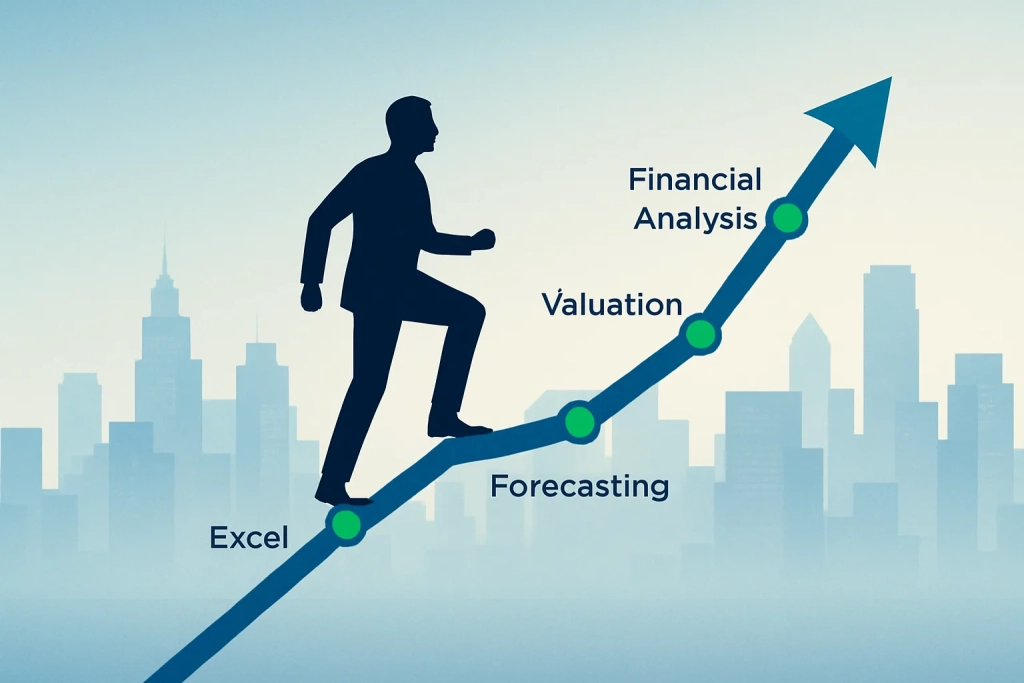
Conclusion: Your Competitive Edge Depends on Embracing These Tools
Looking back at my career trajectory, the biggest accelerators weren’t the degrees or certifications—they were the practical skills with Financial Modeling Beyond Excel Tools that I learned along the way. Sometimes painfully.
The finance industry is transforming rapidly, and the gap between what’s taught in BBA programs and what’s needed in the workplace continues to widen. By taking the initiative to learn these tools now, you’re not just preparing for your first job—you’re building a foundation for a long-term career in finance.
Remember: your competition is already learning these skills. The question is whether you’ll be ahead of the curve or struggling to catch up.
I’d love to hear which tools you’re focusing on or answer any questions about implementing these in your studies or career. Drop a comment below or connect with me on LinkedIn. And if you found this helpful, please share it with other BBA students who might benefit.
Because seriously—I wish someone had sat me down and told me all this when I was still in school. Would have saved me a lot of late nights and career anxiety!
Frequently Asked Questions
Do I really need to learn all these tools, or can I just focus on one or two?
Focus on becoming excellent with 2-3 tools rather than mediocre with all of them. SQL and Python would be my top recommendations if you had to pick only two, as they provide the broadest capabilities. The specific tools you choose should align with your career goals—investment banking has different technical needs than corporate finance or financial analysis.
Won’t these tools become obsolete by the time I graduate?
The tools may evolve, but the underlying skills are transferable. Learning Python teaches you programming logic that applies to any language. SQL has been around for decades and isn’t going anywhere. The visualization principles in Tableau apply to any BI tool. Focus on the concepts, and adapting to new tools becomes much easier.
How can I showcase these skills to potential employers?
Build a portfolio of financial projects using these tools and host them on GitHub. For example, create a stock portfolio analyzer with Python, build interactive financial dashboards with Tableau, or develop a predictive model for cryptocurrency prices. Having tangible projects to show is far more impressive than simply listing skills on your resume.
Can these tools really replace Excel completely?
It’s not about replacement but augmentation. I still use Excel daily, but for specific purposes where it shines—quick calculations, simple models, and as an interface for non-technical stakeholders. The tools I’ve described handle the heavy lifting that Excel wasn’t designed for.
How much time should I dedicate to learning these skills alongside my regular coursework?
Consistency beats intensity. I recommend 5-10 hours per week dedicated to learning these tools, with emphasis on practical application rather than just tutorials. Over a year, that adds up to 250-500 hours—enough to develop professional-level proficiency in at least two tools.
Are online courses enough, or should I pursue formal certifications?
Start with online courses to build foundational knowledge, then consider certifications for tools that are central to your career goals. For example, the Tableau Desktop Specialist certification or the Microsoft Power BI certification can differentiate you from other candidates. However, demonstrated ability through projects usually impresses employers more than certifications alone.

